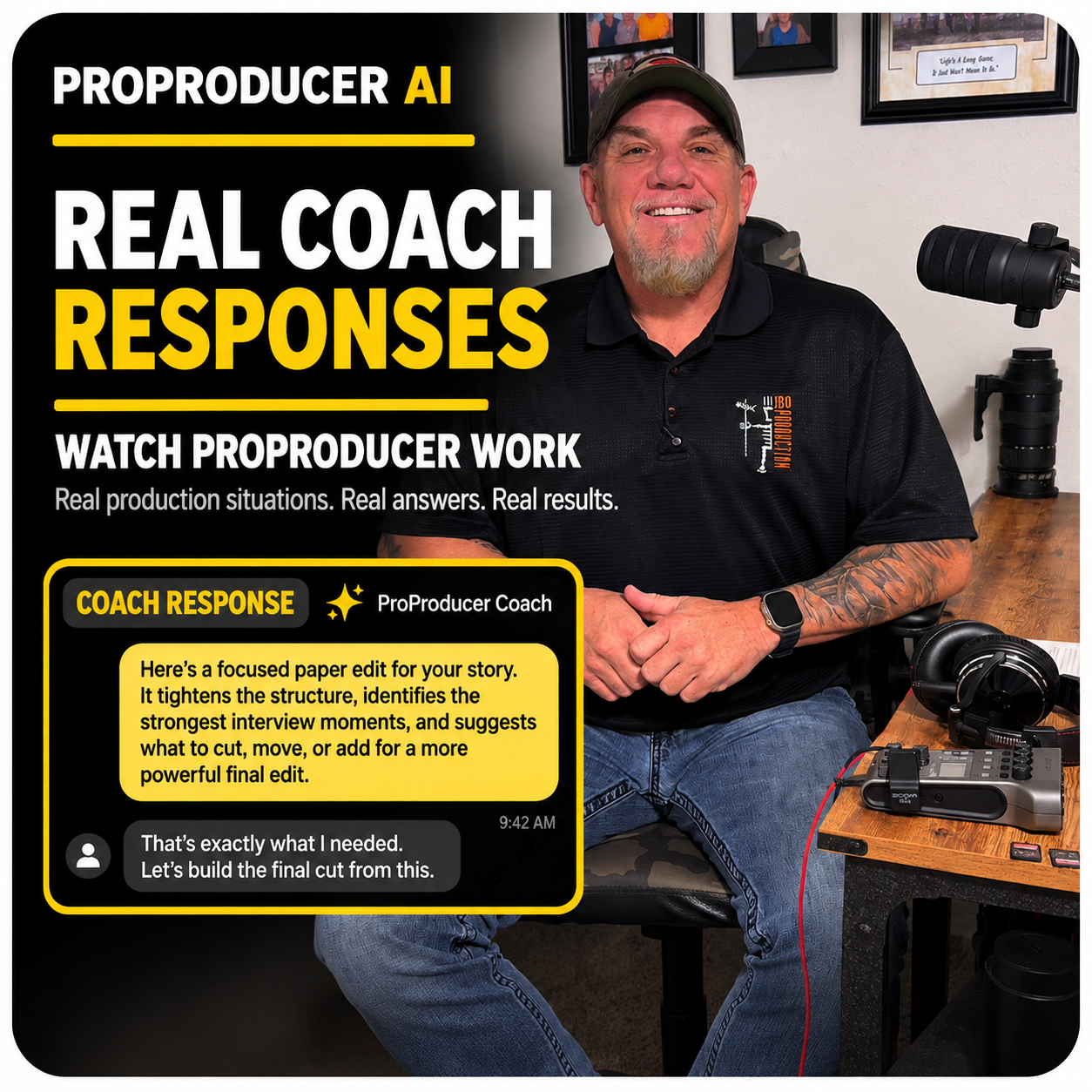
Your own veteran production partner. Right in your pocket.
- Get your video proofed before you send it.
- Build your edit before you leave the shoot.
- Drop in a video you love. Learn how to create that style.


Your own veteran production partner. Right in your pocket.


ProProducer isn't a filmmaking course or a generic AI chatbot. It turns decades of professional production experience into practical, step-by-step coaching for creators at every level. Whether you're making your first YouTube video, creating social content, or producing national television, ProProducer meets you where you are—helping you tell better stories, shoot smarter, and create videos people actually want to watch.

Useful production decisions, reviews, completed work, and lessons carried forward when that history is available.
Drop in your video and get feedback on the story, pacing, shot choices, and sound—so you can make it even better before posting to YouTube, sharing with a client, or sending it to a network.
ProProducer helps you plan what to shoot and starts building your paper edit before the cameras roll. As your shoot unfolds, it helps develop that edit around what you've captured—so you can catch missing shots, interviews, or story pieces before you wrap.
Drop a video you love into ProProducer. It analyzes the editing, pacing, music, movement, and storytelling, then explains what makes that style work. From there, it coaches you step by step on creating that same look and feel in your own project.
Start with an idea, a script, a shoot, footage, a paper edit, a rough cut, or a near-final piece. ProProducer meets the work where it is, focuses on what actually needs attention, and keeps the next move tied to the real production—not a preset curriculum.
Drop in raw takes, B-roll, interviews, or a finished video. Jon AI helps identify standout moments and recommends timecoded selections for your edit, including short- and long-form social clips. Keep ProProducer open in a desktop browser right beside your editing software. It helps eliminate the searching and grunt work while you make the cuts and creative decisions.
Bring a brain dump, messy notes, research, a script, interview notes, or competing ideas. Jon AI organizes the thinking into the central story question, supported assumptions, missing evidence, priorities, and next defensible moves.
Start with the finished video in mind. Jon AI helps you plan the shots, interviews, and coverage you actually need, whether you're filming completely solo or working with a full production crew.
Whether you're starting your first YouTube video, planning a shoot, or working through an edit, ProProducer helps you focus on the next decision that matters most.
After filming, tell Jon AI what you captured, what changed, and what you're unsure about. It helps identify missing pieces, organize your footage and notes, and figure out what to shoot or edit next.
Bring a finished or near-final script, paper edit, transcript, rough cut, finished cut, or other relevant material. When submitted media is actually accessible for review, Jon AI can evaluate the available picture, sound, structure, pacing, coverage, and story evidence.
Work with Jon AI on interview strategy, on-camera performance, sponsor integration, production problems, and the decisions that need another experienced set of eyes. AI handles low-value friction and organization; you keep creative control.
As interviews, transcripts, notes, evidence, coverage, and creator decisions arrive, Jon AI builds evolving production intelligence: what is strong, weak, missing, or no longer worth shooting. Before access disappears, ask: “If this were the film right now, what prevents us from cutting it?” Leave with the edit’s spine and a focused must-get list.
Keep useful production decisions, reviews, completed work, and lessons available as part of the production record—so future work can start with more intelligence when that history is available.

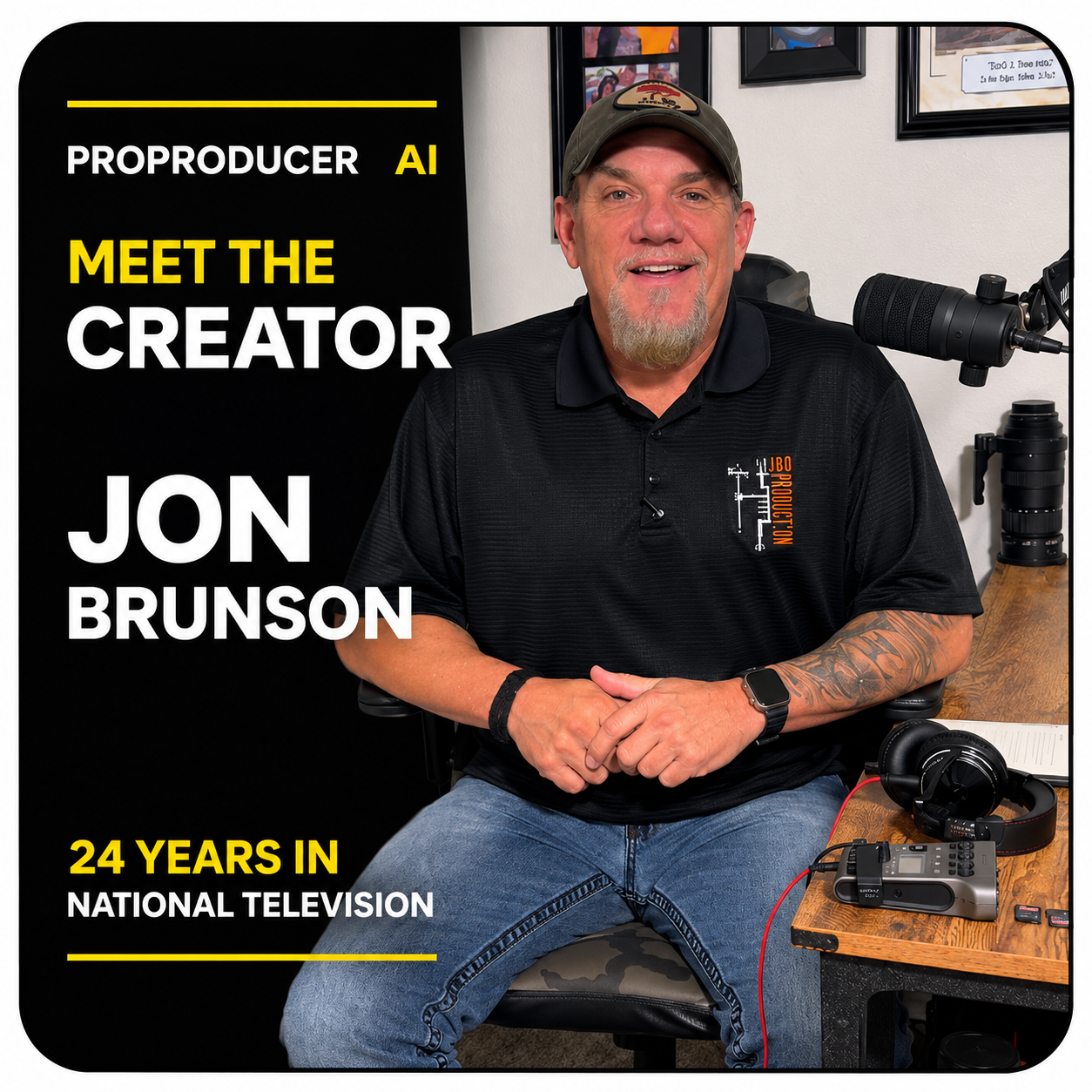
Producer, editor, and founder of JBO Production with 24 years of national television experience.
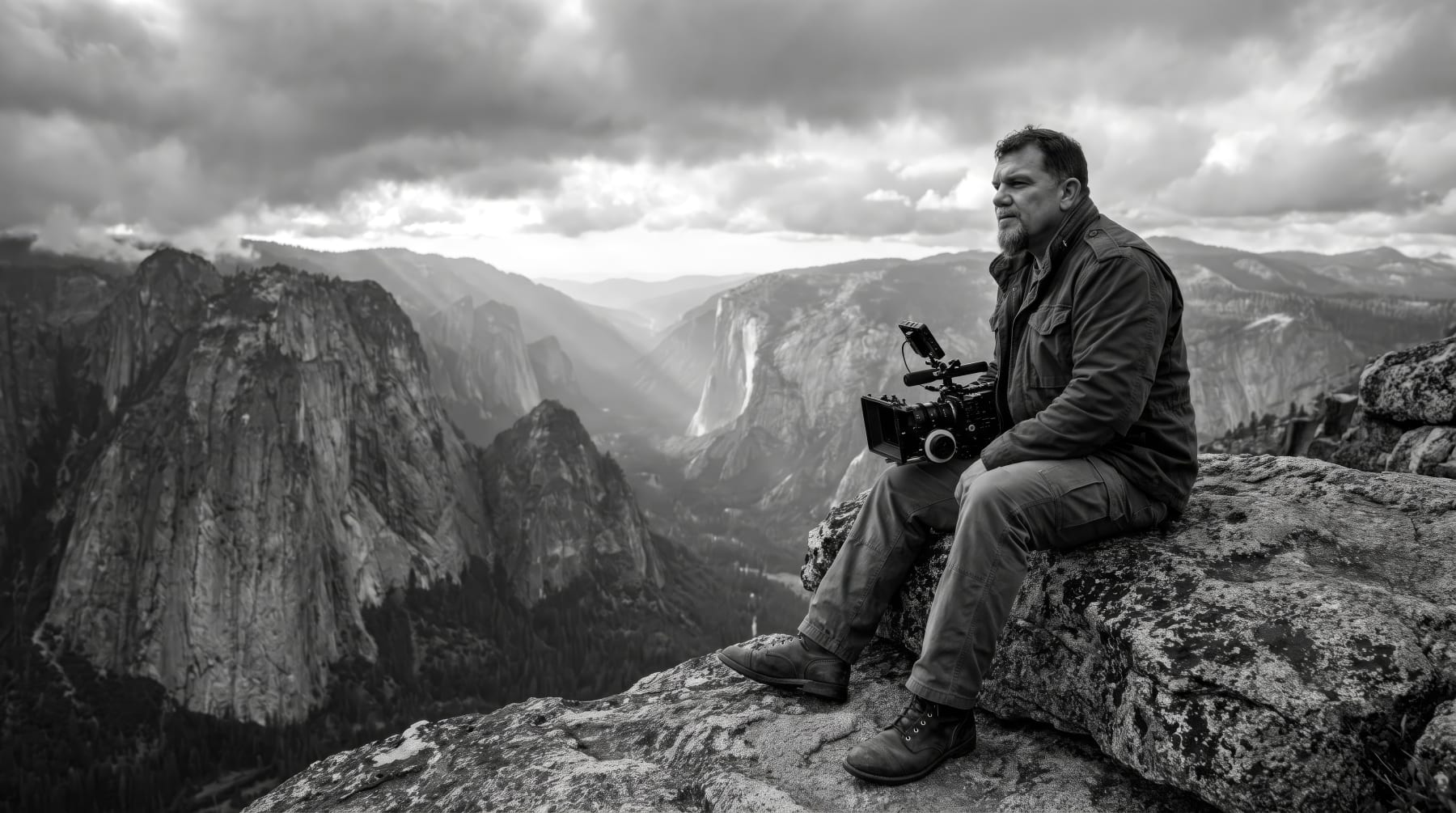
At JBO Production, for over 20 years, our national television episodes averaged two weeks to edit. We've cut that turnaround from two weeks to three days using Jon Brunson's AI-assisted, story-first production workflow. For Kyle, JBO's lead editor for 15 years, the transformation goes beyond speed: less tedious grunt work, more creative freedom, and the excitement of editing again. As Jon puts it, “This AI didn't replace my editor. It made him love editing again.”
That system comes from Jon's 24 years producing national television, documentaries, commercials, branded content, corporate video, and live events. Jon has personally filmed entire national television episodes completely solo. He knows firsthand how to plan a story, capture incredible footage, and get everything the edit needs when you're the entire crew. Those hard-earned lessons help creators find their strongest material, identify missing coverage, and build a clear creative roadmap—whether they're working alone or with a full production team. You always keep creative control.
Whether you're making your first YouTube video, creating social content, or producing national television, ProProducer meets you where you are. Get your video proofed, uncover your best footage, map out your edit before you finish shooting, or learn how to create the video styles you love—with practical, step-by-step coaching you can apply to whatever you're creating right now.
“If I'd had something like this in my hands when I was a young producer, it would have changed my life.” — Jon Brunson


Talk to Jon AI like an experienced producer sitting beside you—whether you're making your first YouTube video or finishing a national television episode. Simply ask, “I want to make better YouTube videos. Can you teach me how?” Or bring a video idea, messy notes, a script, footage, or an edit you're struggling with. Jon AI helps you work through challenges, make smarter creative decisions, and figure out what to do next. You stay in creative control.
Start with a question, a video idea, or footage you've already shot. ProProducer helps you figure out what to do next—with professional guidance tailored to your experience, not a one-size-fits-all course.
Once you're in, work with Jon AI in Coach from Day 1. Bring a real question, notes, a shoot you're planning, or a cut you want reviewed. No polished brief or completed lessons required. No current project? Start with practical guidance suited to the skills you want to build.
Your experience, goals, and what you're working on shape your starting Plan. As your work changes, use Edit to ask Coach to update the relevant Plan or activity. You're not locked into a fixed roadmap.
Review • 3 min
Analysis • 7 min
Session • 20 min
Journal • 5 min
As you shoot, tell Jon AI what you've captured and what's changed. It helps you identify your strongest moments, spot missing shots or story gaps, and shape your edit while you still have time to capture what you need.
as of Oct 9
Before you wrap, ask Jon AI what—if anything—is still missing. Capture only what matters, take a clear plan into the edit, and get your finished video reviewed before you post it or deliver it to a client.
It only takes 2 minutes to get started
Whatever your goal, find a life-changing app on Studio
An idea, a shoot, a pile of footage, or an edit that needs another set of eyes—start where you are and get practical help with what matters next. You keep the story and the final decision.